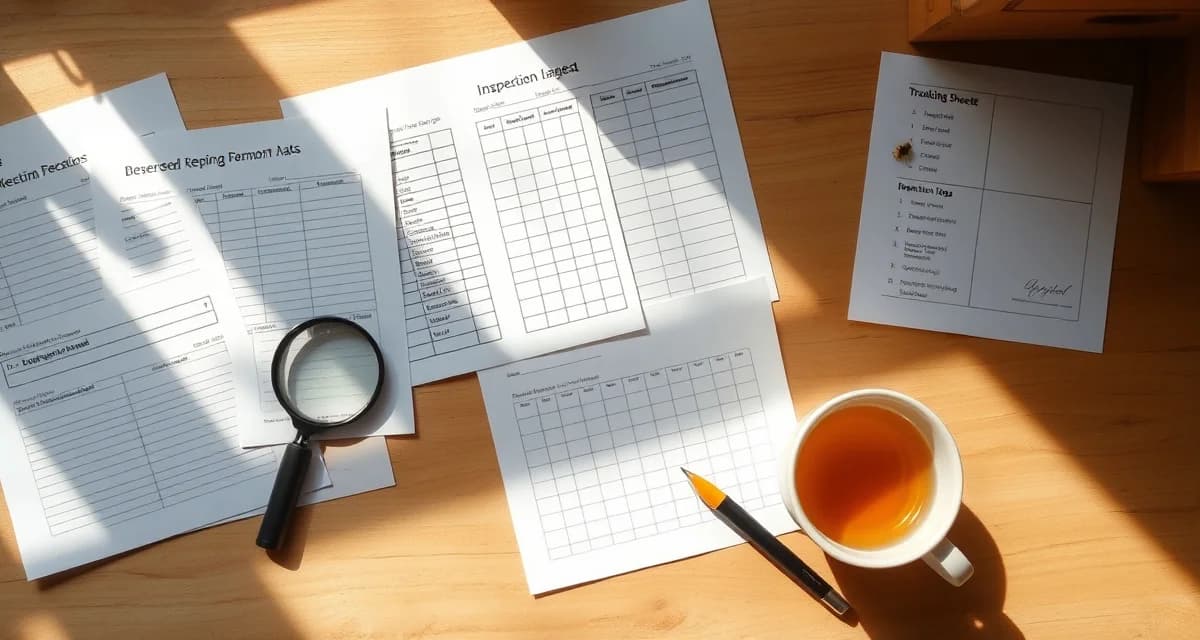
Varroa Management Record-Keeping Templates
Good record keeping does not have to be complicated. It needs to be consistent. The right template captures what you need without creating so much paperwork that you stop filling it out. This guide describes the templates that work for different scales of operation and what each field should contain.
Mite Monitoring Log Template
The minimum viable mite monitoring record for each test event:
Date: The exact date of the test. Month and day are required; year is critical for multi-year trend analysis.
Yard/Apiary ID: Where the hive is located.
Hive ID: The individual colony identifier within that yard.
Testing Method: Alcohol wash, sugar roll, or sticky board. Different methods have different accuracy levels that matter when comparing data over time.
Bees Sampled: The number of bees in the sample. Standard is 300 (approximately half a cup). Record the actual count if you know it.
Mite Count: Number of mites counted in the sample.
Infestation Rate: Mites divided by bees times 100. VarroaVault calculates this automatically.
Action Taken: Treated, monitored, or no action required. If treated, which product.
Tester: Who performed the test. Important for commercial operations with multiple staff.
Treatment Record Template
Every treatment event requires its own record:
Date Applied: When strips, pads, or vaporization was performed.
Date Removed/Ended: When treatment concluded.
Product Name: Full commercial name (e.g., Apivar, Formic Pro, Api-Bioxal).
EPA Registration Number: Found on the product label. Required for compliance records.
Active Ingredient: Amitraz, formic acid, oxalic acid, thymol, etc.
Batch/Lot Number: From the product packaging.
Dose Applied: Number of strips, grams of oxalic acid, or number of pads per hive.
Hives Treated: List of hive IDs or yard identifier if treating all hives in a yard.
Pre-Harvest Interval Start Date: Calculated from treatment end date based on the product label PHI.
Pre-Treatment Mite Count: The count that triggered the treatment decision.
Post-Treatment Mite Count: Taken 10 to 14 days after treatment ends.
Efficacy Calculation: Percentage reduction from pre to post-treatment count.
Queen and Hive History Template
A complete hive record should also include:
Hive ID and Location: Permanent identifier and GPS or address if available.
Queen Source and Introduction Date: Important for tracking resistant genetics over time.
Queen ID (if marked): Color code or year.
Splits and Merges: Dates and hive IDs involved.
Disease Findings: Any disease observations with date, type, and action taken.
Using Templates Digitally vs on Paper
Paper templates work but have limits. They cannot calculate infestation rates, cannot alert you when a count exceeds threshold, and cannot be searched or exported for an inspector. A paper template is better than nothing but a digital system is substantially more useful.
VarroaVault's data entry screens are built around these same fields. When you enter a mite count, the system calculates the infestation rate, plots it on your trend chart, and checks it against your configured action threshold. Treatment records flow directly into your pre-harvest interval tracker so you never accidentally harvest from a hive still within its PHI window.
Adapting Templates to Your Operation Scale
A hobbyist with two hives can keep all records in a simple notebook or phone app. A commercial operator with 500 hives across 20 yards needs a system that can query by date range, filter by yard, and export formatted reports for state inspectors. The fields are the same; the system needs to scale.
See the beekeeper compliance records USDA guide and the record keeping for commercial beekeeping compliance article on VarroaVault for more detail on regulatory requirements that drive what your records must contain.
FAQ
What is Varroa Management Record-Keeping Templates?
Varroa management record-keeping templates are structured forms that help beekeepers consistently document mite monitoring results, treatment applications, and colony health data. Each template captures key fields like hive ID, test date, testing method, mite count, infestation rate, and actions taken. They range from simple paper logs for hobbyists to multi-column spreadsheets for commercial operations. VarroaVault provides ready-to-use templates designed around industry-standard monitoring protocols.
How much does Varroa Management Record-Keeping Templates cost?
Basic varroa record-keeping templates are free. Printable paper logs and downloadable spreadsheet versions cost nothing to use. VarroaVault offers free template resources as part of its mite management library. Paid software tools that automate infestation rate calculations, generate trend reports, or sync data across yards carry subscription fees, but the core templates themselves require no purchase.
How does Varroa Management Record-Keeping Templates work?
You fill out a template each time you monitor or treat a hive. After sampling, you record the date, hive ID, testing method, number of bees sampled, and mites counted. The infestation rate is calculated by dividing mite count by bee count and multiplying by 100. Over time, completed logs reveal patterns across colonies and seasons, helping you make better treatment timing decisions.
What are the benefits of Varroa Management Record-Keeping Templates?
Consistent records let you spot rising mite loads before they reach damaging thresholds, compare colony performance year over year, and demonstrate treatment compliance to certifying bodies or buyers. They also help you identify which colonies collapse repeatedly, which treatments work in your conditions, and whether your monitoring intervals are frequent enough. Without records, every mite problem looks like a surprise.
Who needs Varroa Management Record-Keeping Templates?
Any beekeeper managing more than a few hives benefits from formal records, but they are especially important for sideliners and commercial operations running multiple yards with different staff. Hobbyists gain from templates because they instill consistent monitoring habits early. Certified organic producers and those supplying pollination services often need documented treatment histories to meet contract or certification requirements.
How long does Varroa Management Record-Keeping Templates take?
Filling out a single monitoring record takes two to five minutes after testing a hive. Setting up a template system for the first time, including naming conventions for yards and hives, takes one to two hours. Reviewing a season's worth of records to plan the following year's treatment schedule typically takes under an hour. The time investment is small relative to the value of the data collected.
What should I look for when choosing Varroa Management Record-Keeping Templates?
Look for templates that include all minimum fields: date, yard ID, hive ID, testing method, sample size, mite count, infestation rate, action taken, and tester name. The layout should be simple enough that you will actually fill it out in the field. Spreadsheet versions should calculate infestation rate automatically. If you manage multiple yards, the template should make yard-level aggregation easy without reformatting.
Is Varroa Management Record-Keeping Templates worth it?
Yes. Varroa is the leading cause of colony loss worldwide, and most beekeepers who lose hives to mites admit they either monitored too infrequently or did not act on counts they recorded. A template does not prevent mite problems, but it makes it harder to ignore them. Beekeepers who use structured records consistently treat at the right time, lose fewer colonies, and spend less on emergency treatments.